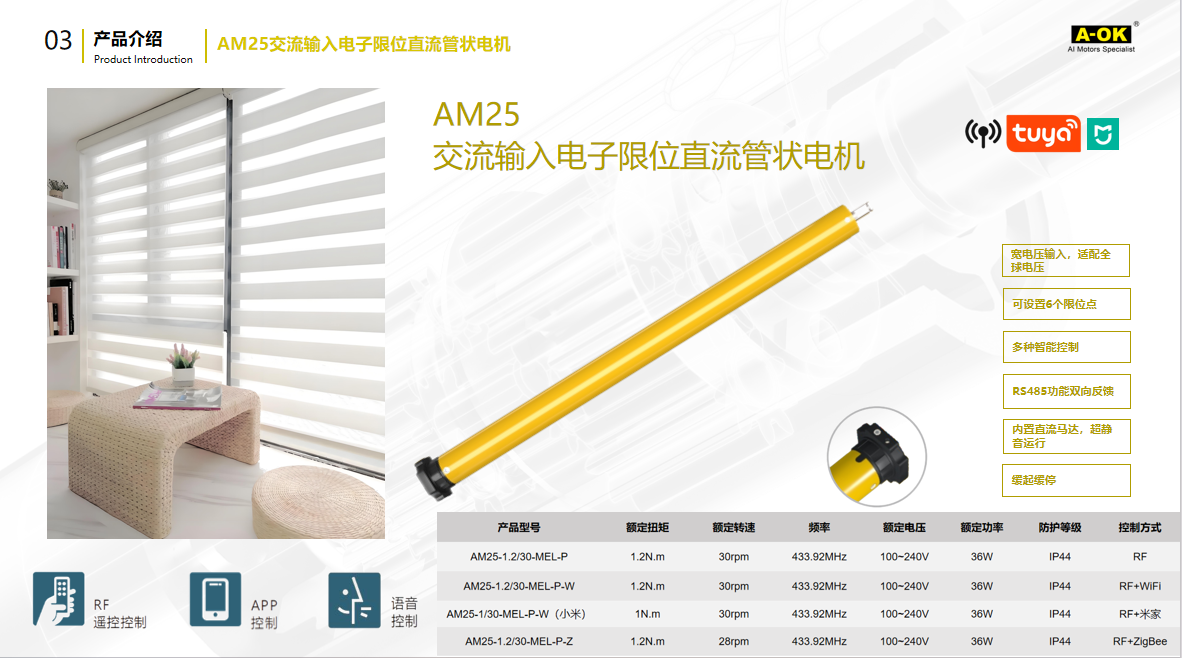


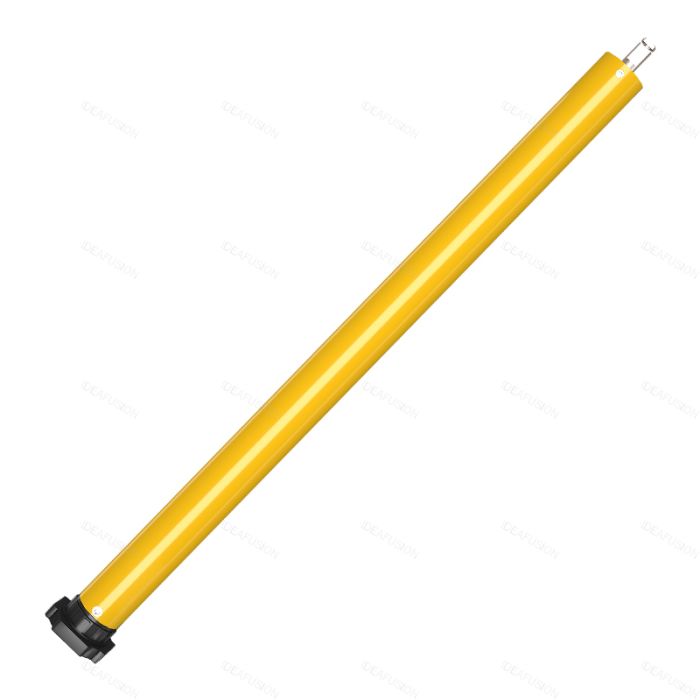


AM25 AC Input Electronic Limit DC Tubular Motor

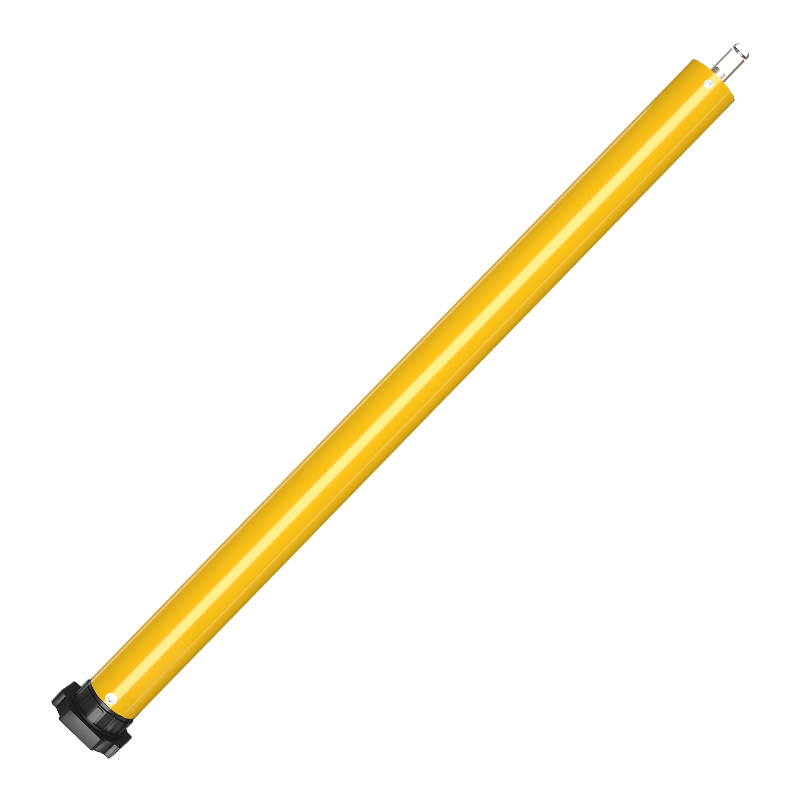
Details
1. Product Introduction
AM25-1.2/30-MEL-P
This motor consists of a motor, gearbox, control board, and vibration dampening mechanism. It is compact, lightweight, and remarkably quiet, delivering precise travel positioning, excellent concealment, and easy installation. The eco-friendly, energy-saving design ensures long-lasting performance.
2. Application
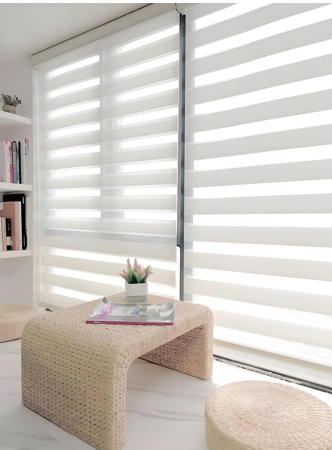
Ideal for indoor honeycomb shades, Venetian blinds, mini blinds, and similar window coverings.
3. Model Number Breakdown
4. Technical Specifications
| AM25-1.2/30-MEL-P | |||
| Input Voltage | 100~240V AC | Ingress Protection | IP44 |
| Rated Torque | 1.2 Nm | Operating Temperature | -20 to +55℃ |
| Rated Speed | 30 rpm | Control Protocol | Zigbee |
| Rated Current | 1.2 A | Stall Current | 2 A |
| Brake Torque | 2.4 Nm | ||
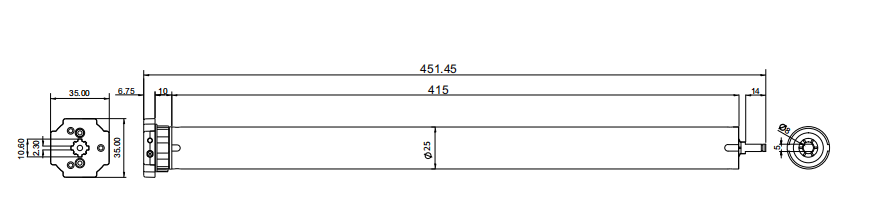
5. Motor Dimensions
6. Application Method
Powered directly by an external AC source, this motor is ideal for locations with accessible power. It eliminates the need for an external receiver, streamlining the installation. Control is made simple via smartphone through the built-in Zigbee module.
Important: During installation, position the antenna carefully to avoid metallic objects that could obstruct the Zigbee signal reception.
7. Key Features
1. Wide voltage input (100-240V AC), compatible with global power standards.
2. Programmable upper and lower limits with power-off memory.
3. Supports both jog (momentary) and continuous run modes.
4. Motor direction can be reversed via button command.
5. High precision positioning by directly counting motor rotations.
6. Position sensor open/short circuit protection and obstacle detection with auto-stop.
7. Built-in Zigbee receiver module for convenient smartphone control.
8. Operation Instructions
A) Local Operation
Note: 1. The motor will run in one direction for a maximum of 5 minutes to prevent endless operation in abnormal situations.
2. Upon powering on, if the motor has successfully joined a Zigbee network, it will give a brief vibratory alert; if not connected, no alert occurs.
1) Factory Reset (Clear Limits & Direction)
Press and hold the "Set" button on the motor head for 1 second; the motor vibrates once. Release, then immediately press and hold the "Set" button again for 1 second. The motor vibrates twice, indicating full deletion successful.
2) Setting Limits
Quick-press the Set button four times to enter limit-setting mode (motor vibrates). Quick-press once to move the motor upwards. Press again to stop at the desired position. Use single quick-presses to micro-adjust; each press moves the motor slightly up. Once the ideal upper limit is reached, quickly press the button twice (within approximately 500ms). The motor will micro-move to confirm and save the upper limit. Quick-press the Set button once more to move downwards. Stop at the desired lower limit, use single presses to micro-adjust, then double-press quickly to save the lower limit and exit the limit-setting mode.
B) Network (Zigbee) Operation
1) Open the V4-Zigbee module test tool.
2) Insert the serial device with the V4 coordinator module into the computer. Configure the settings as shown in the highlighted red box in the documentation.
3) Communication Test Procedure:
Joining the Network: Perform steps 1 through 6 (referring to the tool's guided sequence) to put the coordinator into permit-join mode. Then, on the motor device side, initiate joining (for AM25, press and hold the button for 3 seconds). A successful join shows a 0x01 0x1c... command sequence followed by a 0x01 0x1c response.
Leaving the Network:
Method 1: From the device, press and hold the button for 8 seconds.
Method 2: Use the "Leave Network" function in the test tool software.
Controlling the Motor: Click the "Send Extension" button (requires the uiot-v4-tool-config.ini file to be in the same folder as the executable). In the pop-up window, click the corresponding commands (Open, Close, Stop, Direction Change) to control the motor.
9. Packaging
| AM25-1.2/30-MEL-P | |
| Packaging Type | Dual Pack |
| Inner Box Color | Neutral |
| Inner Box Dimensions | 485(L) x 96(W) x 44(H) mm |
| Inner Box Contents | User manual, drive pin, retaining clip; Optional: crown wheel and drive wheel |
| Quantity per Outer Carton | 50 pcs |
10. Troubleshooting
| No. | Issue | Possible Cause | Solution |
| 1 | Motor does not run or starts slowly after powering on | A. Power supply voltage mismatch B. Overload C. Improper installation causing binding | A. Use the correct voltage power supply B. Replace with a motor rated for the load C. Check all components and mounting |
| 2 | Motor stops suddenly during operation | A. Power outage B. Obstacle protection triggered | A. Operation resumes when power returns B. Inspect for jams or overload |
Attention